August 26th, 2014 Cheatcodes, Packages and Architecture, Releases, Screenshots
| Comments Off on Introducing BLOB support
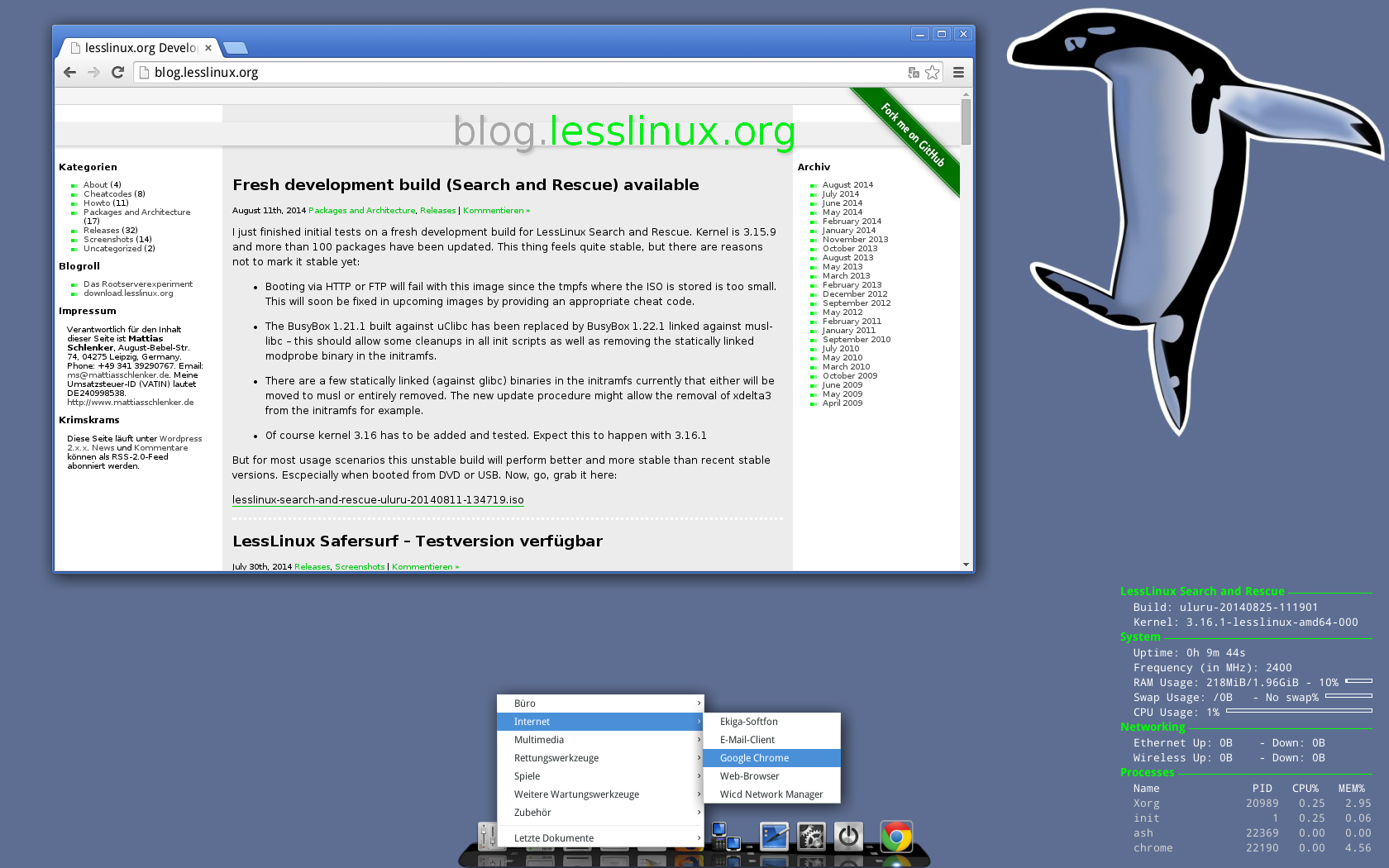
About one and a half years ago I started implementing suport for the possibility to persistently add binary applications to LessLinux. This enables adding closed source binary only software without polluting the open source build tree. BLOB support was used in a commercial derivative to include TeamViewer. Now it is also possible to add Google Chrome – quite some users requested this feature since Chrome has very good multimedia support and implements a remote desktop solution.
Mehr »
August 11th, 2014 Packages and Architecture, Releases
| Comments Off on Fresh development build (Search and Rescue) available
I just finished initial tests on a fresh development build for LessLinux Search and Rescue. Kernel is 3.15.9 and more than 100 packages have been updated. This thing feels quite stable, but there are reasons not to mark it stable yet:
-
Booting via HTTP or FTP will fail with this image since the tmpfs where the ISO is stored is too small. This will soon be fixed in upcoming images by providing an appropriate cheat code.
-
The BusyBox 1.21.1 built against uClibc has been replaced by BusyBox 1.22.1 linked against musl-libc – this should allow some cleanups in all init scripts as well as removing the statically linked modprobe binary in the initramfs.
-
There are a few statically linked (against glibc) binaries in the initramfs currently that either will be moved to musl or entirely removed. The new update procedure might allow the removal of xdelta3 from the initramfs for example.
-
Of course kernel 3.16 has to be added and tested. Expect this to happen with 3.16.1
But for most usage scenarios this unstable build will perform better and more stable than recent stable versions. Escpecially when booted from DVD or USB. Now, go, grab it here:
lesslinux-search-and-rescue-uluru-20140811-134719.iso
July 30th, 2014 Releases, Screenshots
| Comments Off on LessLinux Safersurf – Testversion verfügbar
Sorry, no English version yet. You may run “LessLinux Safersurf” in English by changing lang=de to lang=en, but some tools will still use german localization, international builds will follow.
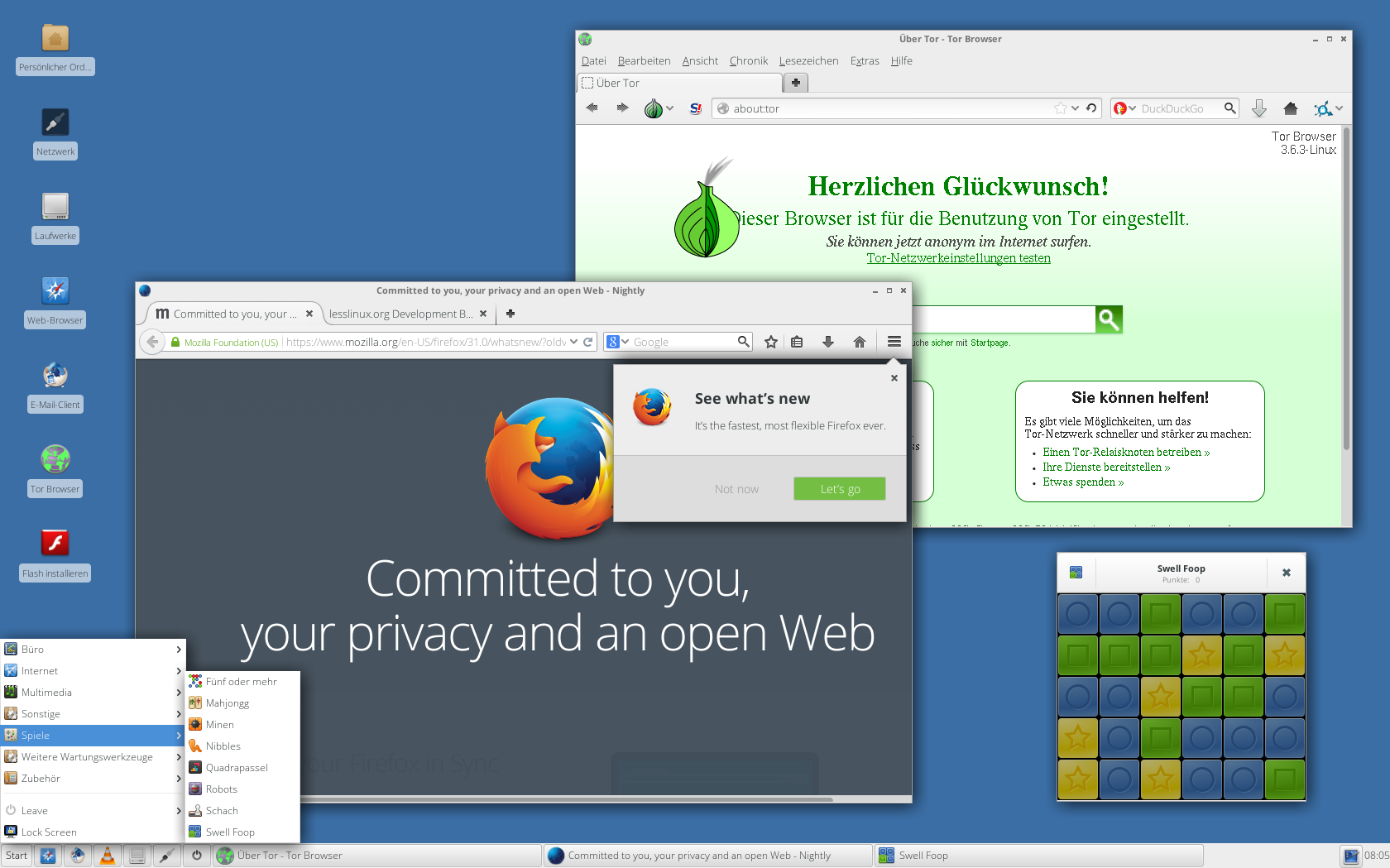
Leser einiger deutscher Computerzeitschriften kennen meine Systeme zum “Sicheren Surfen”. Den Anfang machte das 2009 und 2010 zusammen mit dem BSI entwickelte System “COMPUTER BILD Sicher Surfen”, nach 2011 wurde es etwas still um dieses System, bis mit der NSA-Affäre das Interesse stieg. Ich habe mich daher zur Veröffentlichung einer reinen Open Source Variante entschieden. Wie bisher ist eine Kernkomponente für erhöhte Sicherheit die Verwendung von Mandatory Access Control: Das sorgt dafür, dass nur wenige Prozesse aufs Internet zugreifen dürfen und Prozesse, die aufs Internet zugreifen, dürfen nur eine kleine Auswahl anderer Prozesse starten. Weitere Sicherheitsmerkmale betreffen das Dateisystem: Sowohl das persistent gehaltene Heimatverzeichnis als auch der Auslagerungsspeicher werden stark verschlüsselt.
Das System ist dazu gedacht, auf einen wenigstens 8GB großen USB-Stick installiert zu werden, unter Windows sollte hierfür der Win32DiskImager verwendet werden.
Mehr »
July 9th, 2014 Packages and Architecture, Releases, Screenshots
| Comments Off on Fresh unstable with kernel 3.15.4 available
I just finished building a fresh unstable using kernel 3.15.4. During the boot process no legacy map files for kernel modules are used anymore. So please tell me should booting from USB fail. A major change is that the stage03 build command and git SHA1SUM are now available in /etc/lesslinux/updater (look at the screenshot). This makes checking out corresponding sources and building modified ISOs much easier.
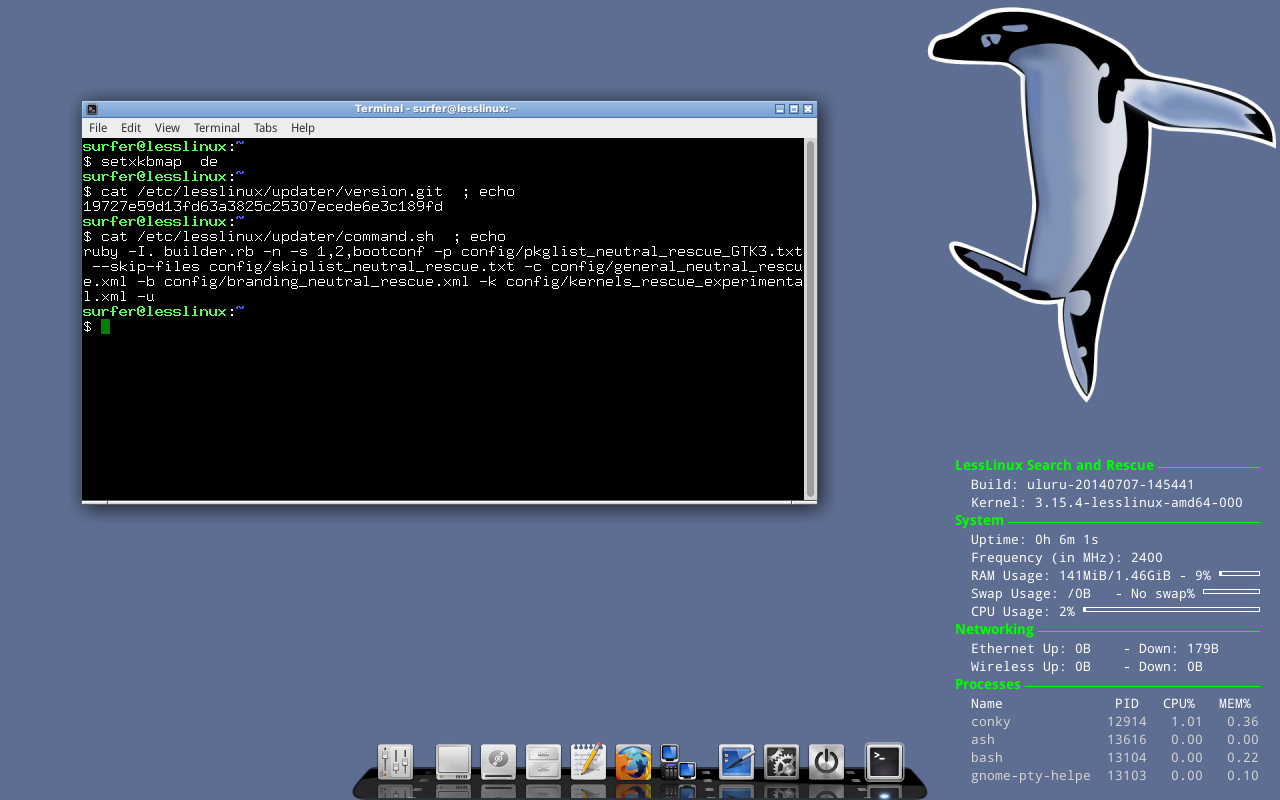
The version from the git tree and the build command are now accessible in /etc/lesslinux/updater.
Download lesslinux-search-and-rescue-uluru-20140707-145441.iso
June 20th, 2014 Howto, Packages and Architecture, Releases, Screenshots
| Comments Off on Announcing “big fat full” builds + fork me on GitHub
I am proud to announce a new series. This is called “big fall full” – codenamed “Jabba”. It solves two purposes:
- Provide a simple way to include all packages that are built in the second stage in the live ISO
- Give the most simple starting point for building LessLinux and derived distributions
The second big change is that LessLinux development now takes place completely on GitHub. Scroll down to read how these two news fit together seamlessly!
Using Jabba builds
Of course you can use the Jabba builds as rescue system as well or as a nice replacement for the now defunct LFS Live CD, to start building LFS even when you do not have Linux system installed on some hard drive. Jabba builds will be released after major architectural changes or updates of core components like the used default compiler or the C library. This means mandatory releases every six to nine months and maybe convenience releases after updating kernels.
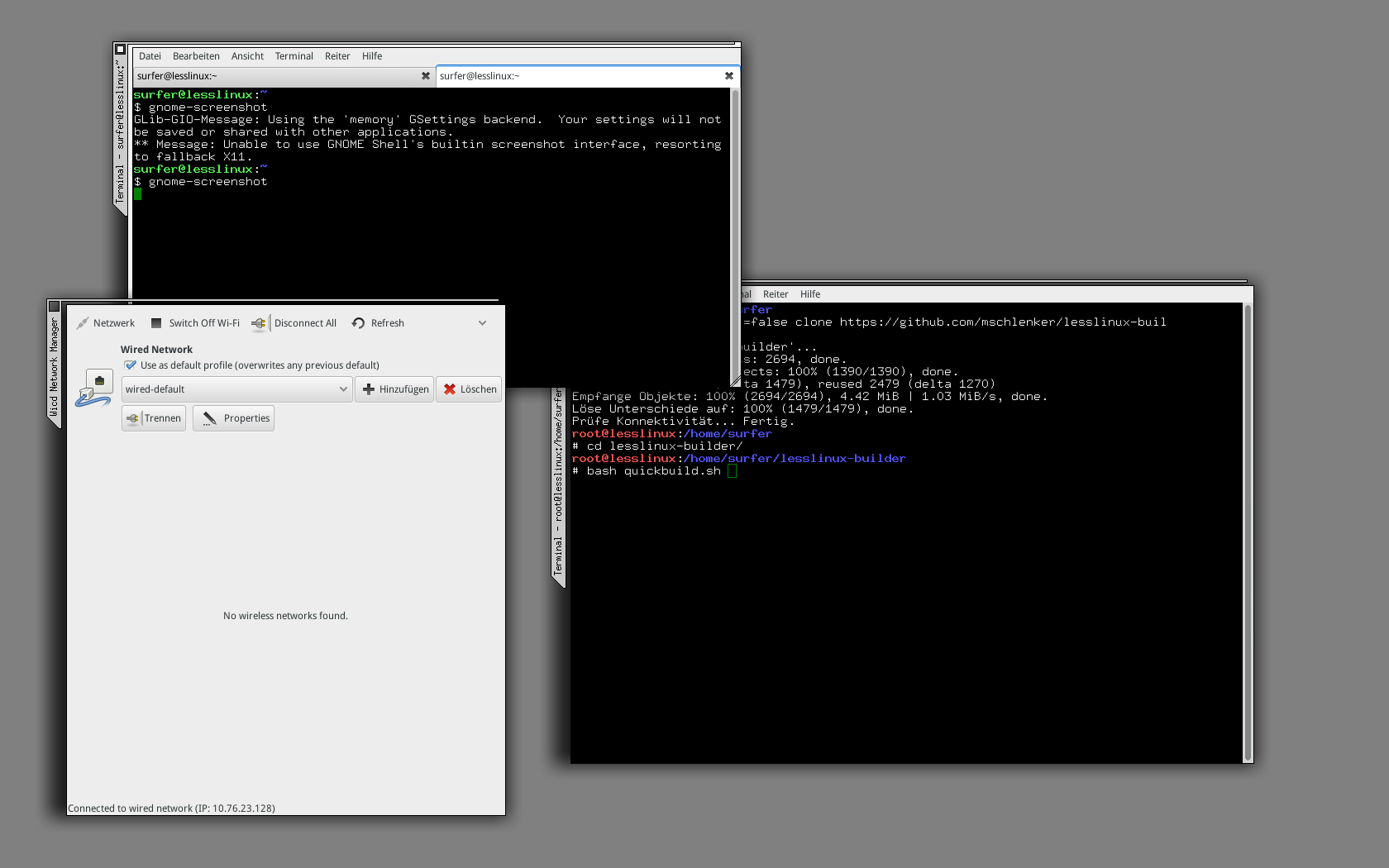
Jabba intentionally uses a really minimalistic user interface. After booting, the GUI consists of just two terminals, one with root privileges and one as normal user. You might start an XFCE- or LXQT-panel, but be warned: there might be many duplicate or non-functional entries in the menus. Thus it is easier most of the time to start needed programs by hand.
Mehr »
June 17th, 2014 Releases
| Comments Off on Fresh stable Search and Rescue available
I am proud to announce a fresh stable release of LessLinux Search and Rescue. This is basically a refinement of the May, 29th release and as such it does not pack many new features. New and untested is the inclusion of libbde, a library to access and mount Bitlocker encrypted drives (Windows Vista and above).
Download this build here: lesslinux-search-and-rescue/lesslinux-search-and-rescue-uluru-20140612-152957.iso
During the next days I will add an automatic update from the latest stable build and the build currently on PC Magazin as covermount DVD.
The next builds will move to Linux 3.15.x which starts a new unstable series. In the meantime building on the RaspberryPi progresses, so I am quite confident that in early June the first builds of LessLinux as thin client will be ready.
May 29th, 2014 Cheatcodes, Packages and Architecture, Releases, Screenshots
| Comments Off on Let’s develop further
Here we go with a fresh development build. The build and the included software is quite stable, but menus, themes and small stuff need lots of cleanup. Xorg moved to 1.15 and Mesa to 10.1. This allowed inclusion of some games like Quadrapassel that I like to play during data rescue or forensic sessions. A few changes had to be made to be able to compile everything against Glibc 2.19 and Glib 2.40. Some old software that refused to compile against Glib 2.40 was retired, other programs were patched. The kernel used is 3.14.4. More than 150 packages have been update. Cool thing: LXQT has been added. To use it, pass
xinitrc=/etc/lesslinux/xinitrc_lxqt
to the boot command line. It is quite usable but needs some polishing. Connman is included and totally usable if started from the command line. Unfortunately the Connman Gtk+ user interface is affected by a Gtk+. I am quite sure we can fix this for the next stable and then use Connman to replace Wicd. Everyone loves screenshots:
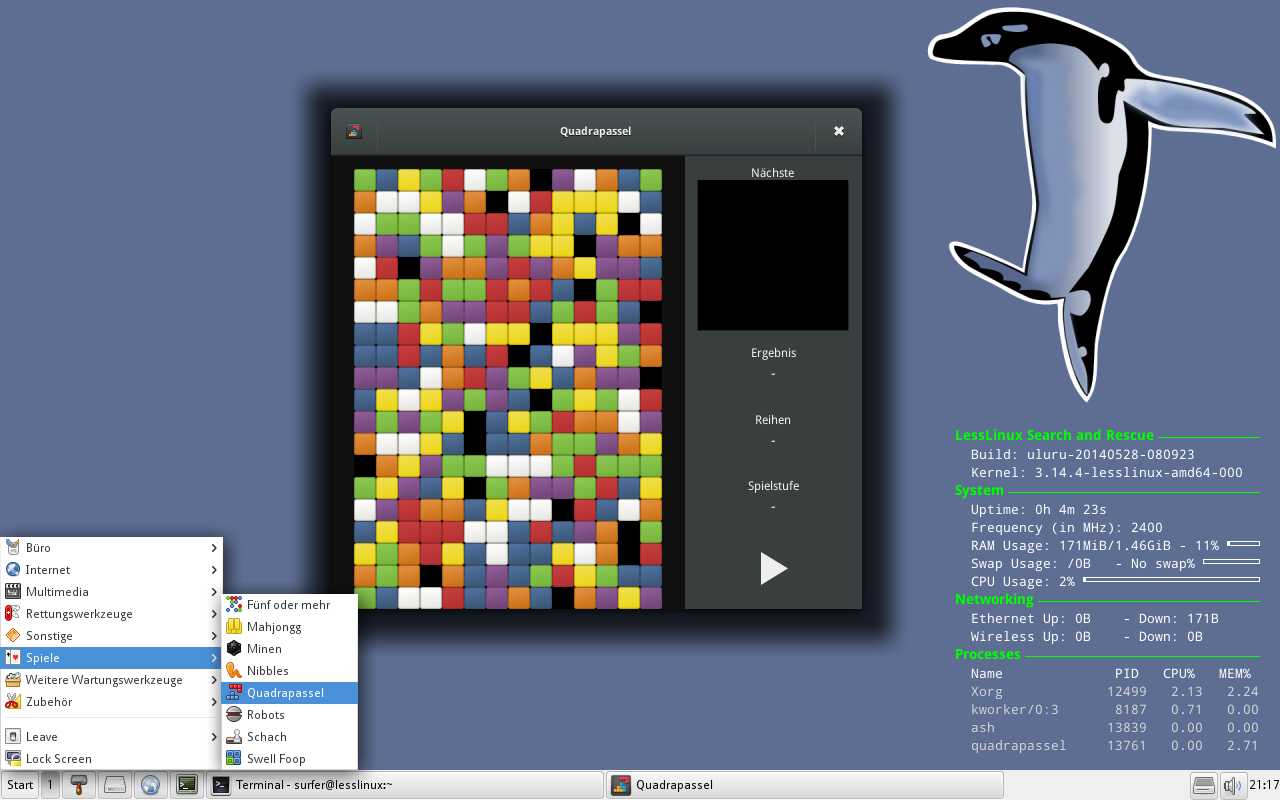
LXQT is now optional
And do not forget the download link: lesslinux-search-and-rescue-uluru-20140528-080923.iso
February 10th, 2014 Packages and Architecture, Releases
| Comments Off on That was fast! Stable build based on kernel 3.13.2 available
Right at this moment I am uploading the first stable build based on Kernel 3.13.2. I am very happy that everything compiled nice with the 3.13.2 kernel headers. Besides this the changes to the 3.12 series builds are quite small:
- Firefox got updated to 27.0
- Thunderbird got updated to 24.3.0
- QPhotoRec is now present with a menu entry
- Added vshadowinfo/vshadowmount – a nice small tool to access V-Shadow Snapshots on NTFS drives
- Fix to Adwaita theme’s look on applications run with root privileges
If you installed LessLinux Search and Rescue to a thumb drive you probably noticed an empty “partition 7” that seemed to be without use. This partition is intended for updates. When updating a binary delta file will be downloaded. Then the content of “partition 8” together with the binary delta will be streamed through Xdelta and saved on “partition 7”. After this, boot information will be rewritten and you are prompted to reboot. On the next update the same will be done the other way round. This build will be the first stable build fully supporting this update mechanism. This means: You have to prepare your thumbdrive once and will be prompted to update if one is available. Since the update will be streamed to the other partition, you do not have to restart programs during update, just continue to work.
And what’s next
These are some features to expect from the near future, see it primarily as a todo list for me:
- Add a usable IceWM configuration for more conservative users
- Further clean up nonfree packages
- Build a “full” ISO for self containing builds
- Update the documentation on building
- Move to Xorg server 1.15, Mesa 10, GStreamer 1.2 and GNU make 4.0
- Move to glibc 2.19
- Add a BOOTIA32.EFI to boot on bay trail tablets
- Continue to work on building full 64 bit systems
- Continue to work on support for RaspberryPi
Download it here: lesslinux-search-and-rescue-uluru-20140209-200536.iso
February 7th, 2014 Packages and Architecture, Releases
| Comments Off on Fresh stable build based on kernel 3.12.9 available
I just uploaded a build from three days ago. This features all the previously mentioned changes regarding moving to Gtk+ 3. The “weight penalty” by using both Gtk+ versions should be around 20MB. That’s reasonable for having a working upgrade path.
Other changes include:
- Many fixes to VLC 2.1.2 – you want to check if the videos rescued from a failed drive are still OK
- Added Audacious – I like to listen to MP3s when doing long annoying jobs
- Added some casual games – customers asked me to do so
- Added wimlib – allows creation and access of WIM files
- Added qemu – not primarily for virtualization, but for creation of and access to image files like VDI and VMDK
- Added multipath tools – mainly for kpartx, for convenient access of partitions in hard disk images
- Added cabextract – to extract Windows drivers from cabinet files
Combine the last four tools in some scripts (mix in the registry editing capabilities of ntpasswd) and you get cool options for either deployment of Windows images or using LessLinux as a semi automated tool for converting Windows installations running on real hardware to virtual machine images.
However this build is just a stopgap. The update to kernel 3.13.2 seems so smooth that I think the next week will provide a first testing image based on 3.13.2.
Download here: download.lesslinux.org/releases/lesslinux-search-and-rescue/lesslinux-search-and-rescue-uluru-20140204-161107.iso
January 8th, 2014 Packages and Architecture, Releases, Screenshots
| Comments Off on Fresh development build with kernel 3.12.6 available
I just uploaded a fresh development build that uses kernel 3.12. The biggest change however ist the move to Gtk3 for some applications.
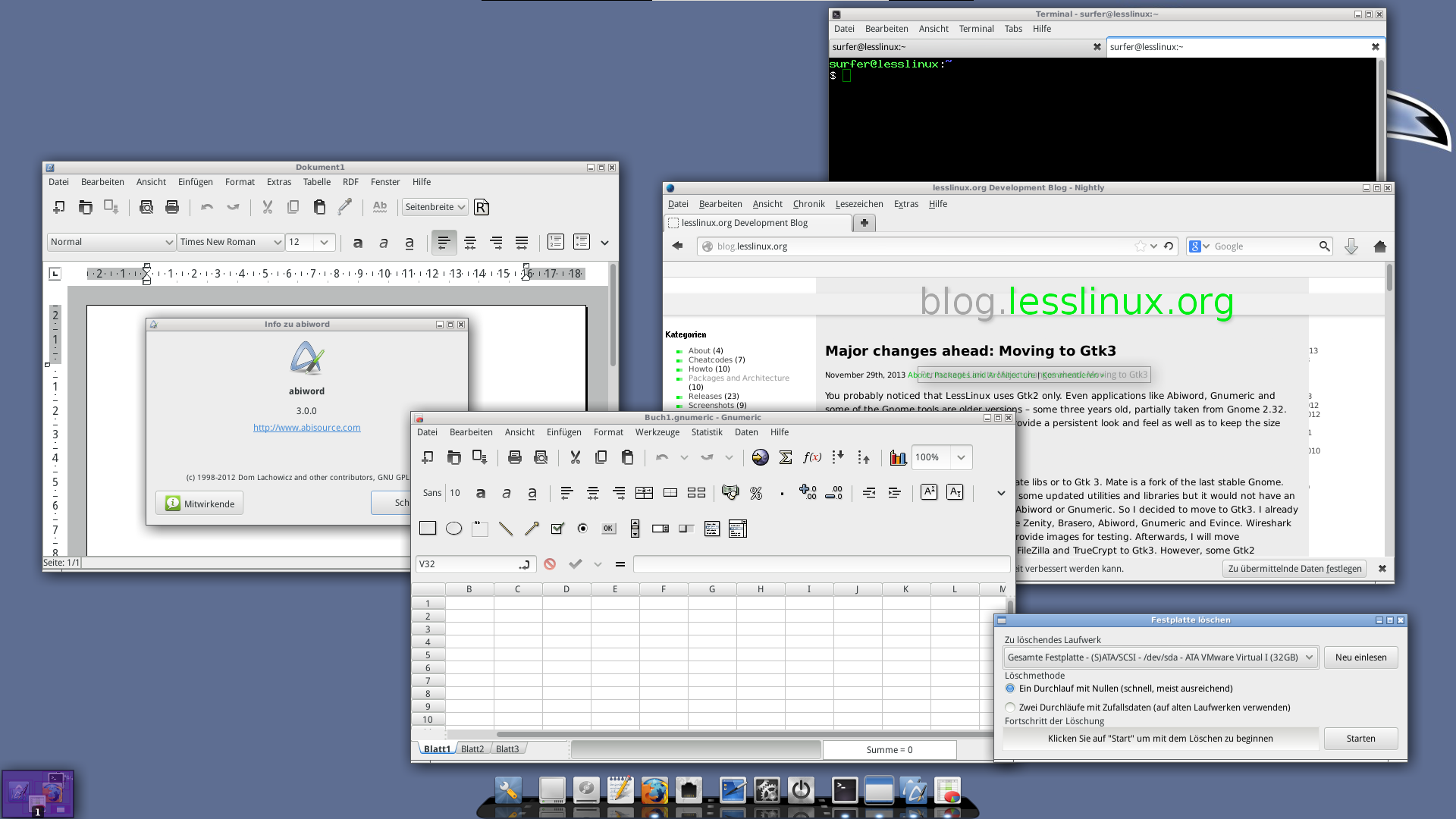
The new desktop with some Gtk3 applications
Mehr »