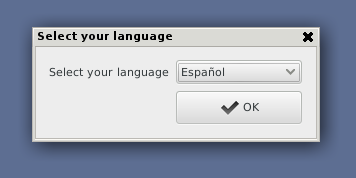
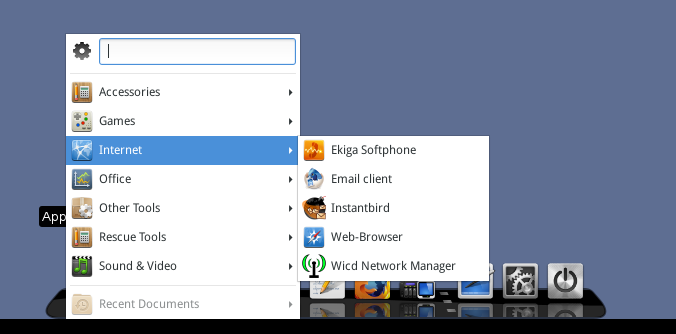
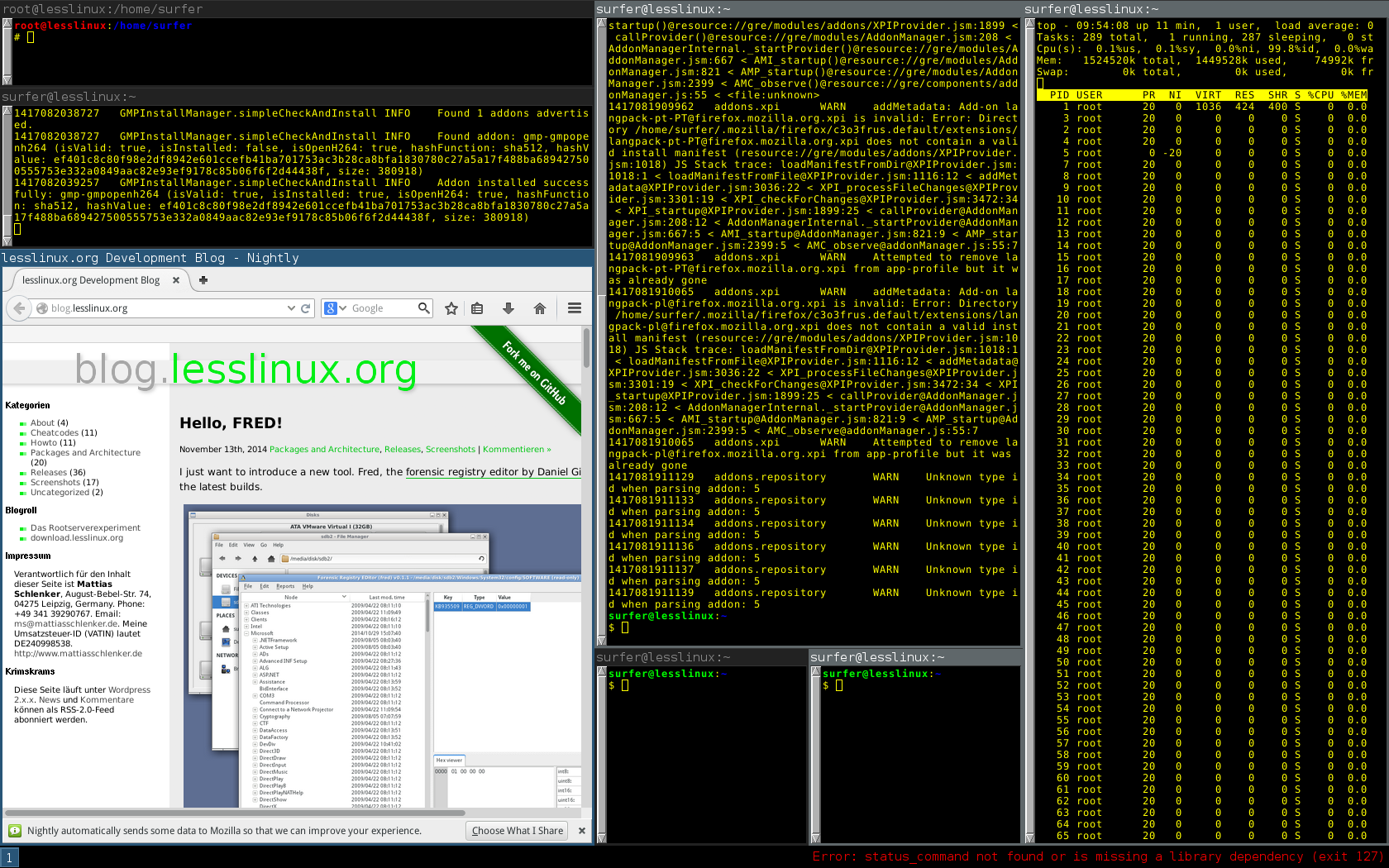
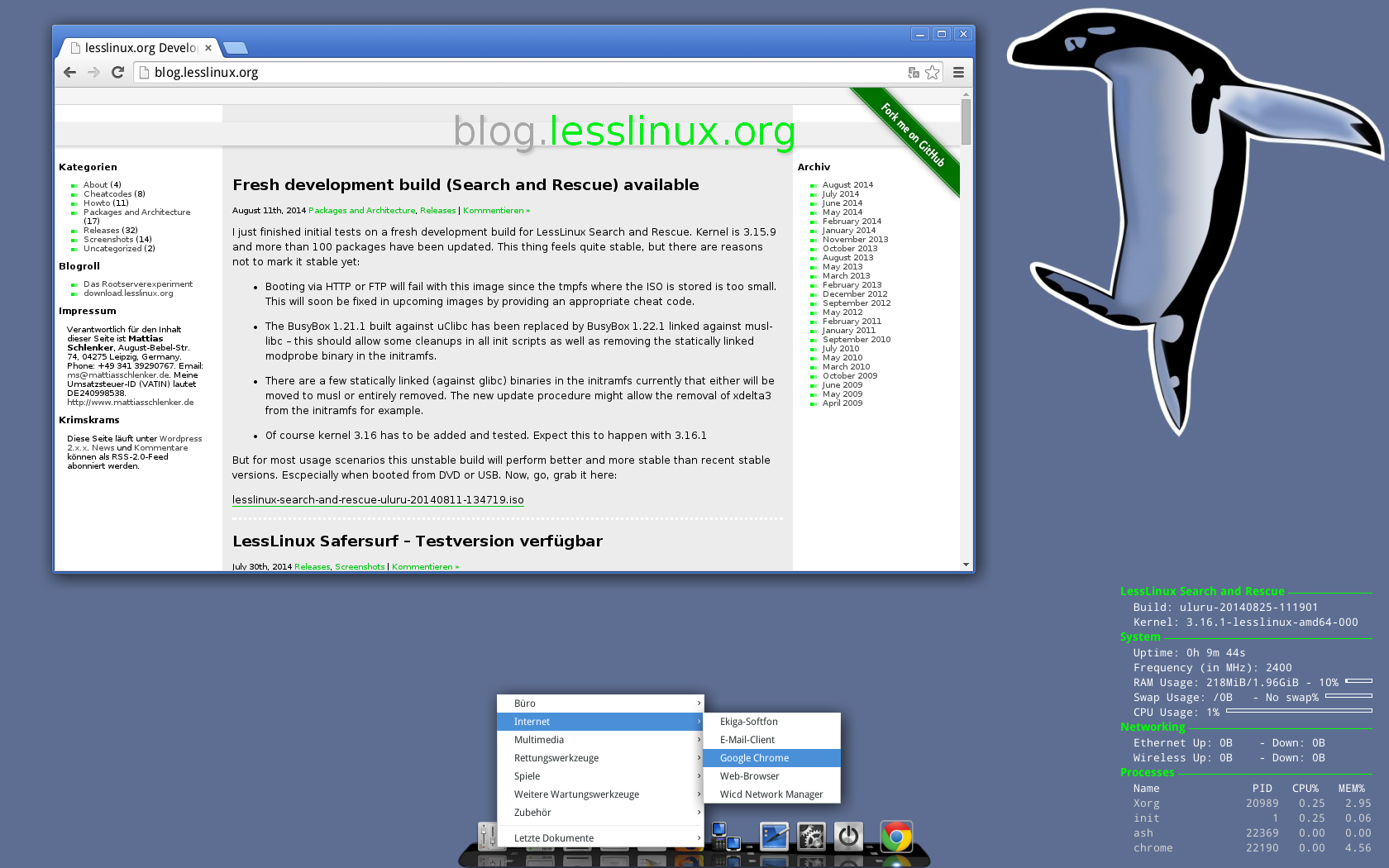
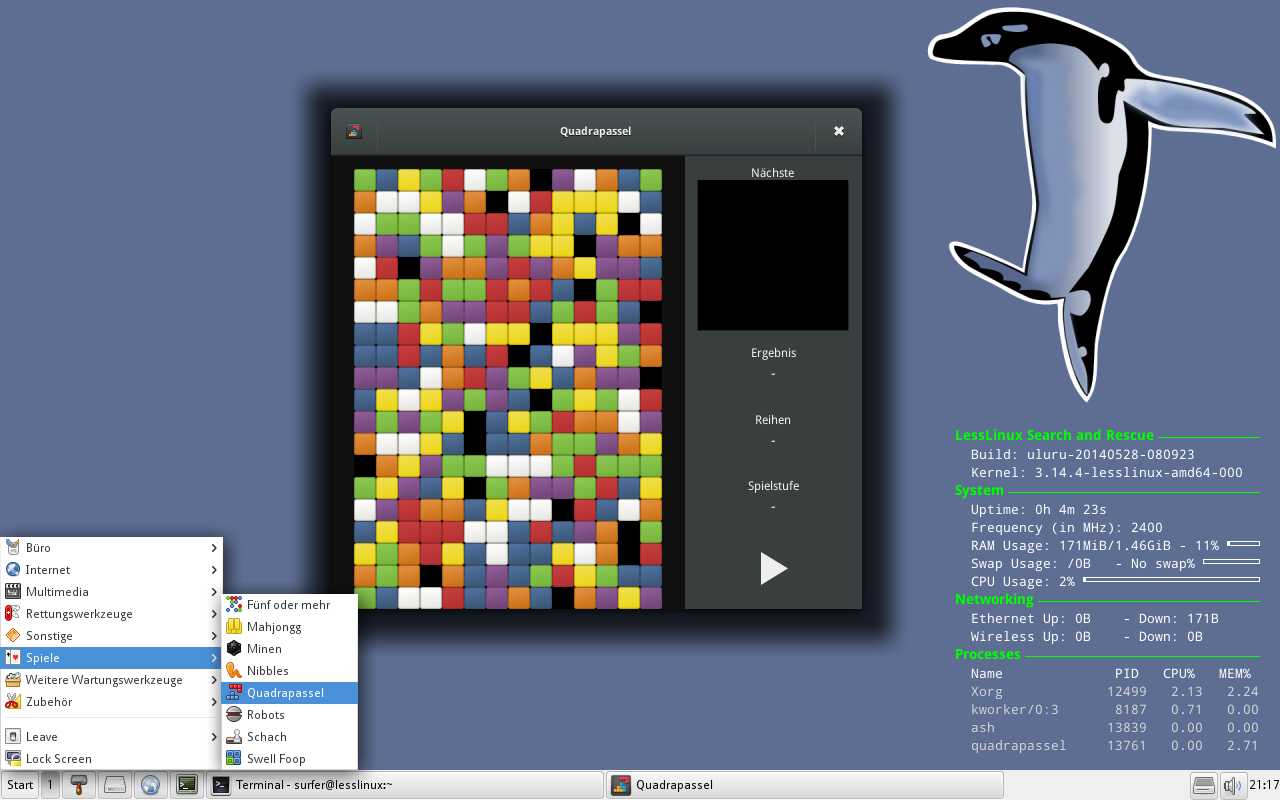
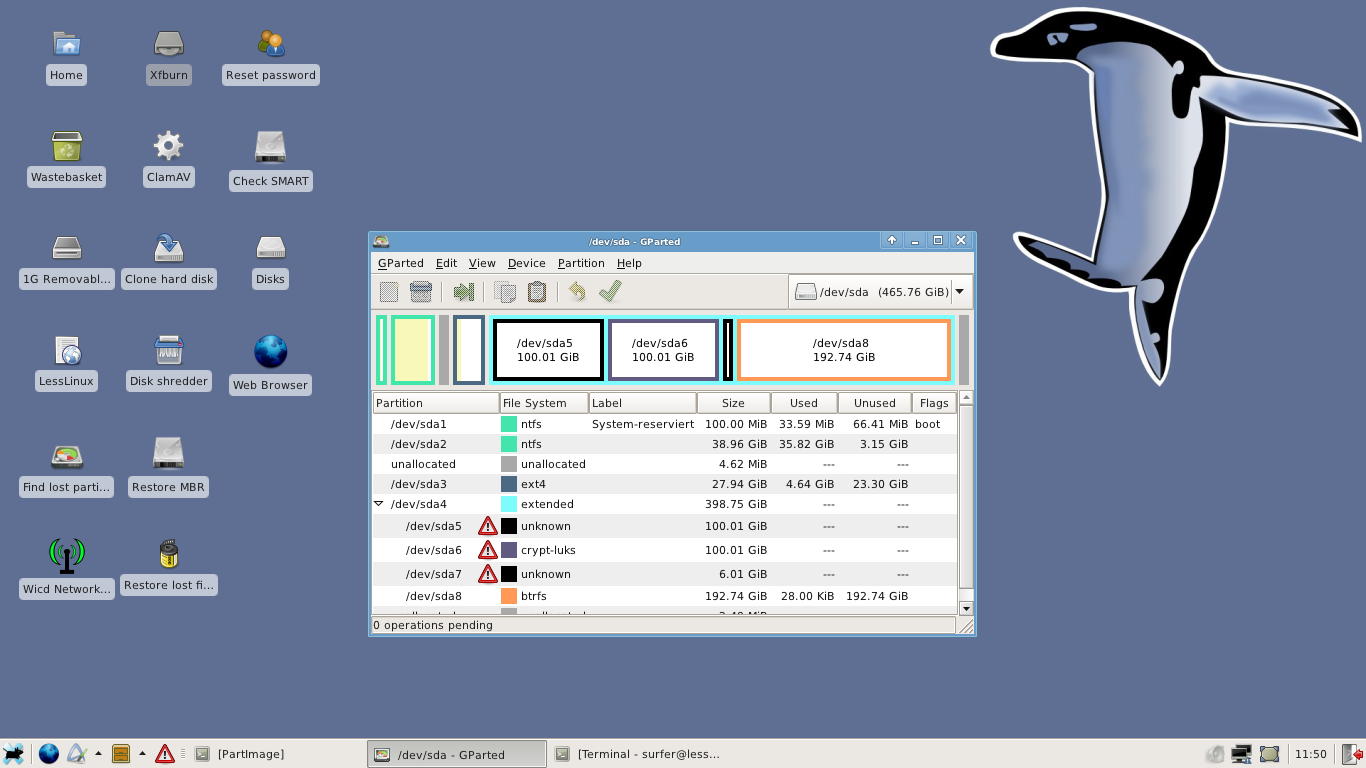
The last weeks saw many improvements that especially targetted reliability. As you probably know, LessLinux contains a feature called “ISOhybrid conversion”: Official ISO images are valid HDD images as well, so you can either burn them on a DVD or “dd” them to a thumb drive (Windows users will take Win32DiskImager to write to an USB drive). Upon first boot, the ISO image is move to the end of the thumb drive and some partitions are created – so part of the thumb drive is still writable and the boot configuration is editable.
More reliability on cheap USB flash drives
During the last weeks I ran into problems with some cheap USB thumb drives: continously reading 8MB and instantly writing them somewhere else often resulted in some flipped bits. Thus I introduced some checks: First, and upon each boot, the binary files in the initramfs (BusyBox, some statically linked binaries, firmware files and kernel modules) are checked and upon failure the system shuts down. Then before doing the ISOhybrid conversion boot files (kernel and initramfs) and the SquashFS containers are checked. During the conversion each block is checked after writing: if moving fails, it is tried again. Some very cheap thumb drives that formerly resulted in nearly 20% corrupt installations are now down to 2%.
Another big change in ISOhybrid conversion is, that we are now very generous with available space: In addition to the last partition for the ISO image, another partition in front of it is created. Both use 125% of the space of the ISO – yes, 250% together. The intention behind this is, that updates are handled much easier this way: The old ISO image can now be piped through Xdelta3 and the STDOUT can be written to the empty partition. As a result, I will begin to offer updates between stable releases from now on.
Encrypted /home
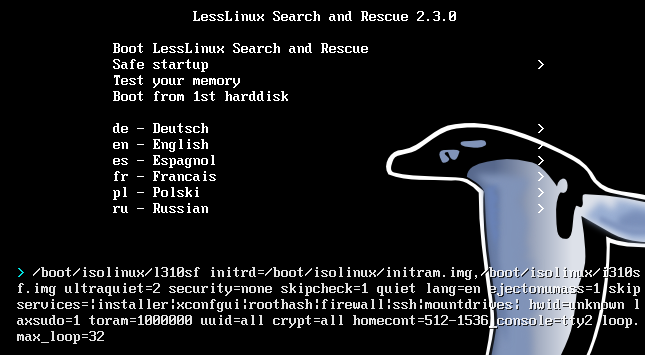
I re-activated a feature that was introduced some three years ago, but could only be used by creating a container file by hand. If you now specify the cheat code
homecont=512-1536
upon first boot, during ISOhybrid conversion a partition with between 512MB and 1.5GB is created and later used for storing the contents of the home directory and settings for WICD. Reasonable sizes for the /home directory are between 256MB and 64GB (if you install to a USB hard disk and have some large directories in your /home directory, e.g. Thunderbird will full IMAP caching).
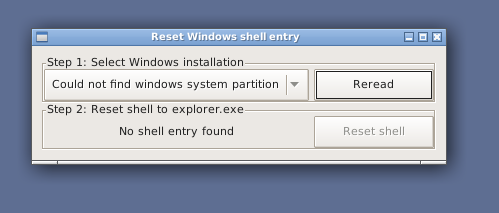
Remove ransomware from registry
Some ransomware writes a shell entry that cannot be removed from a running windows system. I was disappointed with license and usability of Kasperskys ransomware removal tool, so I wrote one myself: This tool scans all your hard disks for Windows installations (currently XP, Vista, 7 and 8 are supported, 8.1 might work as well), then it reads the shell entries and gives you a button to reset the shell to the default “explorer.exe”.
Some Eyecandy, notes on network
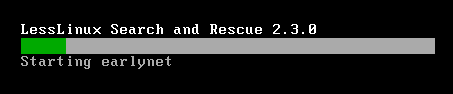
I created some commonly used functions for displaying a progress bar during startup and ISOhybrid conversion. Sadly, kernel 3.10.5 contains some bugs in some wireless staging drivers that result in no connection or crashes (especially sad when considering those drivers worked in 3.9.11), so I had to blacklist rtl8192se. To speed up boot, ethernet drives are loaded after udev is started. If you intend to netboot lesslinux, please take a look in the handbook.
Download
Download the build lesslinux-search-and-rescue-uluru-20130807-124945.iso and burn it to DVD or use “dd” or Win32ImageWriter to write it to a thumb drive.
PS: This build still uses Firefox 22.0 and Thunderbird 17.0.8, some pending updates on the Xorg subsystem are not yet included and I plan to add and configure GRUB as an alternative bootloader on UEFI systems (in the mid term, this should reduce the size of ISOs by ~50MB). So now you know why the build is labeled testing. From the stability standpoind there are no reasons (besides the broken WiFi drivers) not to use it.