March 9th, 2016 Forensics, Howto, Networking, Releases
| Comments Off on Sniff WiFi traffic with LessLinux
LessLinux is used as a foundation for quite some security and forensic distributions. Thus more features for analyzing network traffic get added. Recent builds include “hostapd” and “brctl” for creating ad-hoc hotspots that can be used to monitor the traffic of selected WiFi enabled devices like smart TVs or smartphones. I usually use a notebook with a wired and a wireless interface for this task.
To create such a bridged access point a WiFi interface that supports master (or access point) mode must be present – grepping for AP in the capabilities list will identify matching chipsets. Some interfaces like those sold by Realtek only offer the possibility to create unencrypted access points with the vanilla hostapd. In this case you may want to try USB wifi devices.
Download latest build: lesslinux-search-and-rescue-uluru-20160226-111022.iso
Mehr »
August 7th, 2015 Cheatcodes, Releases, Screenshots
| Comments Off on Automatic language detection
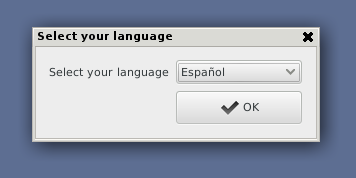
I just added automatic langauge detection, kind of small magic before an internet connection exists.
How does it work? Currently it searches for the last recently used NTUSER.DAT and reads the registry key “Control Panel\International\LocaleName” from there. Of course this requires a windows installation to be present. But since this feature is targeted at some commercial derivates of LessLinux that are sold as rescue systems in various European countries, probably 95% of computers where LessLinux is booted have a windows partition.
If you are booting LessLinux on a machine without windows you might specify
xlocale=de_DE.UTF-8
to skip the selection and predefine a certain locale. The old
lang=de
only works for a limited subset of languages (German, English, Spanish, French, Polish, Russian, Italian, Netherlands).
July 4th, 2015 Releases
| Comments Off on Netboot fixed
When testing recent builds I found out that netboot was broken. I found out the following reasons:
-
For wgetiso=http://server/path/lesslinux.iso BusyBox’ wget implementation proved too unstable and often failed, I now added a curl binary, statically linked against musl-libc and nothing else, this means no HTTPS support for now. Using curl now also allows to determine the size of the tmpfs where the downloaded ISO will be stored automatically, so you do not have to calculate and specify wgetsize=1234567 (in kilobyte) anymore.
-
The nfs=12.34.56.78:/path/to/isodir method failed because of the missing module nfsv3, the split happened somewhere between 3.17 and 3.19. It is fixed now, but just tested against a few NFS kernel servers.
Booting from a CIFS filesystem was not changed, but tested (works), just specify cifs=//12.34.56.78/share to search ISO Images there. When I did apply those changes I also looked for some ways to add “overlays”, a simple hook for adding a tarball that is unpacked over the root filesystem. This method allows you to add your own startup scripts or significantly change the xinitrc. This is mainly targetted at applications where you use LessLinux as some automatic backup or deployment system. Details on the possibilites of this feature will follow.
Get the latest build: lesslinux-search-and-rescue-uluru-20150704-135812.iso
June 27th, 2015 Releases
| Comments Off on Moving to Linux 4.1
In the advent of several commercial builds for the next months I updated the base system to recent LFS builds. This means Glibc 2.21. Kernel 4.1, GCC 5.1, some tools and libraries from Gnome 3.16 and Firefox and Thunderbird in version 38.0.x. These build are already relatively stable, however there are some issues with Clutter or Cogl which meany three of the games from Gnome 3.16 do not work currently.
When building on recent sources Ruby-Nokogiri has to be installed since this component is now used to check for updates. Grab the (unstable) ISOs here, both “Search and Rescue” and “BigFatFull Jabba” for building:
May 7th, 2015 About
| Comments Off on Please ping me!
If you notice that for more than two months there are no fresh builds you might send me a short email. There are phases of commercial builds which usually spawn a few free builds for a smaller circle of testers. If you are interested and just ask me via email, I’ll give you access to such a build.
December 4th, 2014 About, Packages and Architecture, Releases
| Comments Off on Minor update to unstable: Fresh Firefox and Thunderbird, fixed USB boot
My latest image might have broken USB boot support due to a new version of the NASM assembler. This is fixed in the latest unstable build. Besides this the TeamViewer BLOB is fixed now (there is no directory teamviewer9 anymore in the tarball). Hivex correctly builds the ruby bindings and I based my “reset shell” tool on the new hivex library instead on chntpw. Firefox got updated to 34.0, Thunderbird to 31.3.
Have fun! lesslinux-search-and-rescue-uluru-20141203-124327.iso
November 27th, 2014 Cheatcodes, Releases, Screenshots
| Comments Off on Moving to kernel 3.17.4, adding i3 tiling window manager
I just prepared a fresh build based on kernel 3.17.4. The biggest difference is that the kernel configuration is now based on Ubuntus 3.16. On the one hand this means many drivers are included that your live system will never need, on the other hand some drivers are known to work better in this configuration. The initrd is now bigger by around 20MB per kernel (kernels are included for 32 bit PAE, 32 bit non PAE and 64 bit). If this is too big for you, tinker around with the kernel configuration for your own builds.
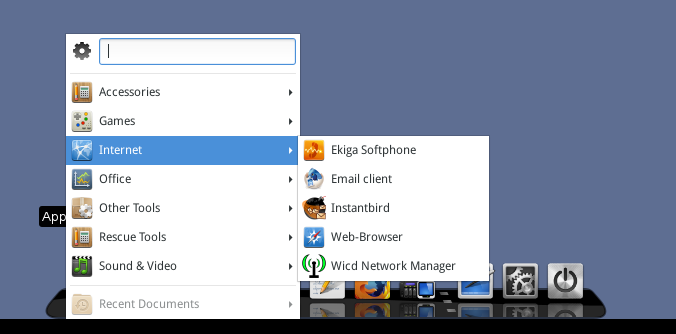
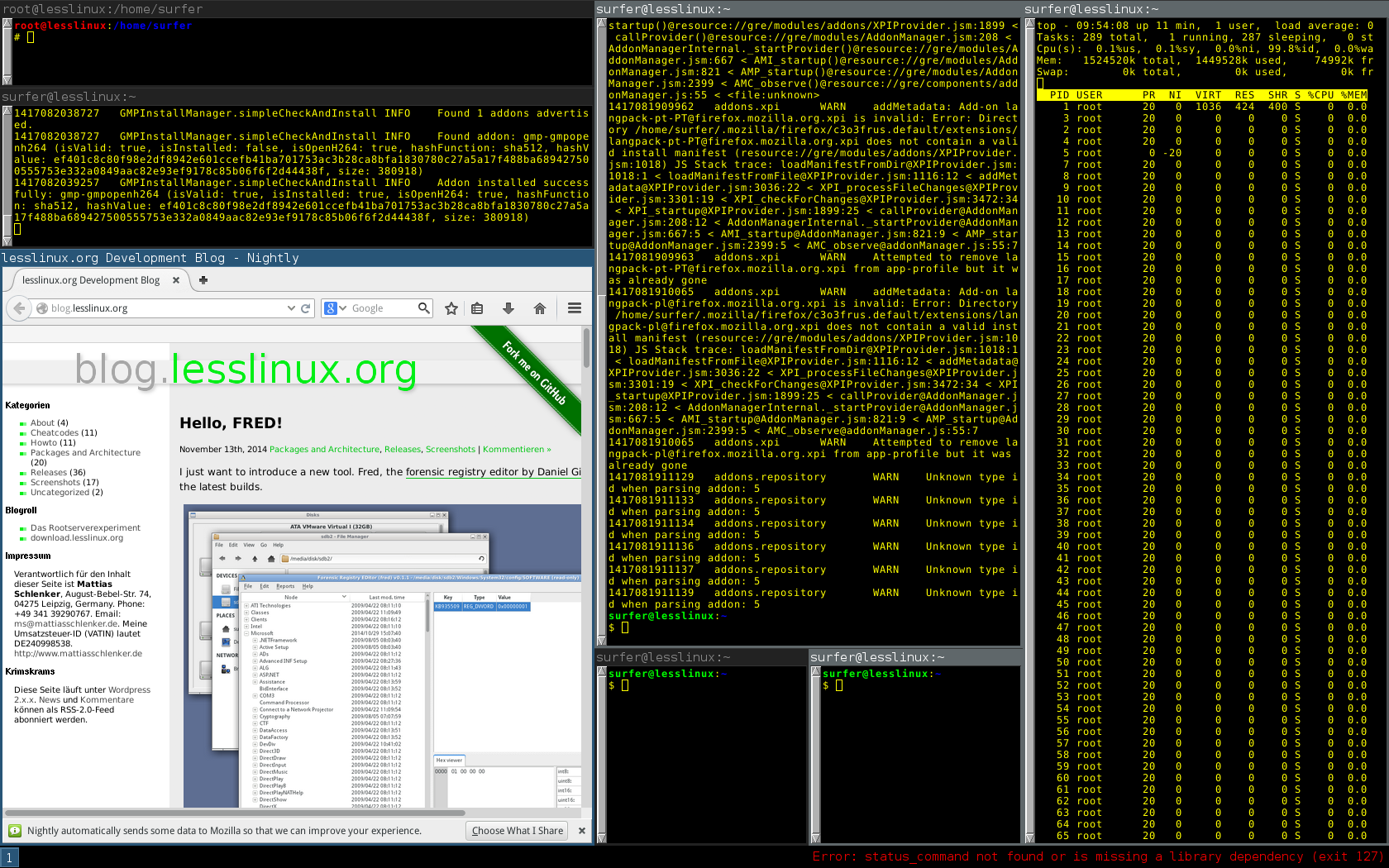
Cairo dock now uses gnome-menus-3. This re-introduces icons and allows a nice search box. A much bigger change is the addition of i3. Start with the additional boot parameter
xinitrc=/etc/lesslinux/xinitrc_i3
to start with three terminals in i3: One root terminal and two with normal users privileges. I know there are quite some i3 users out there and I would be happy to hear from you and share your experiences.
Grab it here: lesslinux-search-and-rescue-uluru-20141127-055823.iso lesslinux-search-and-rescue-uluru-20141127-164346.iso
Update: I just added i3status and changed the urxvt terminal in i3 mode to a much better readable font.
November 13th, 2014 Packages and Architecture, Releases, Screenshots
| Comments Off on Hello, FRED!
I just want to introduce a new tool. Fred, the forensic registry editor by Daniel Gillen is included in the latest builds.
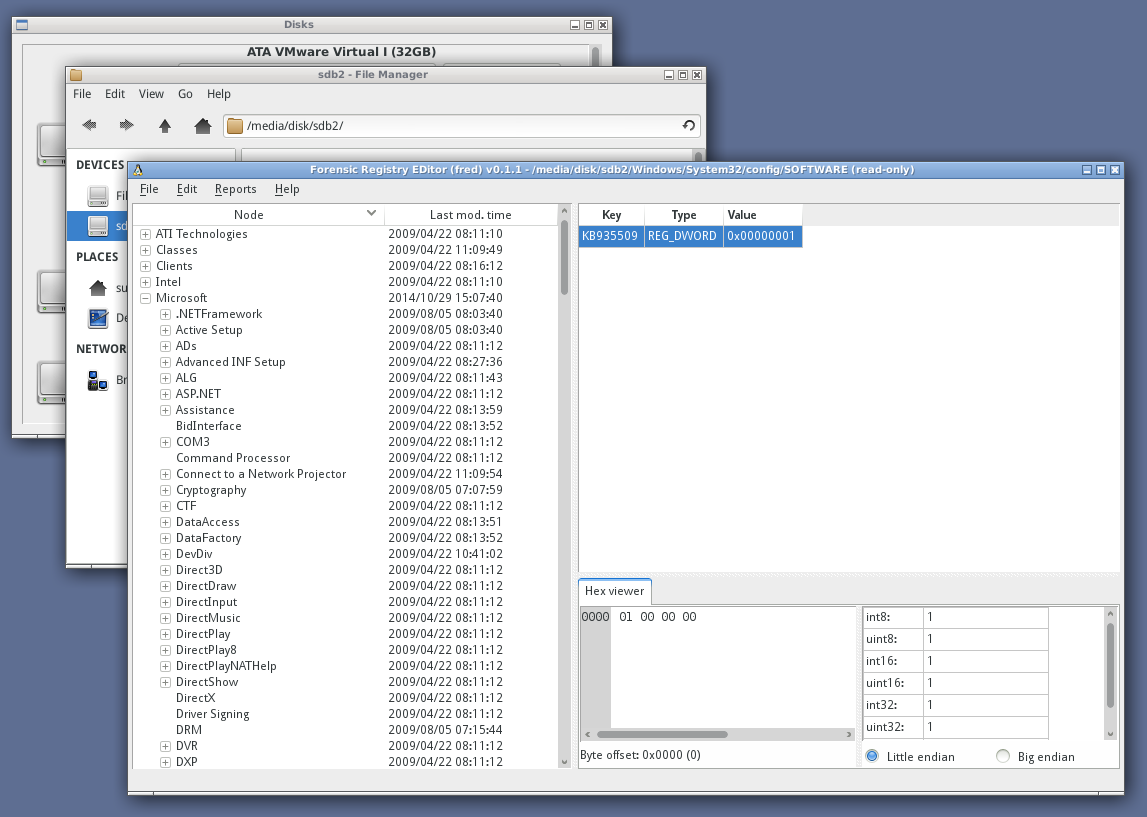
FRED, the forensic registry editor allows write access to the registry
Mehr »
October 30th, 2014 Cheatcodes, Releases, Screenshots
| Comments Off on OpenVAS included, GUI for BLOB installation
We made some progress in both handling of BLOBs (binary large objects, programs like Google Chrome or TeamViewer that are only available as binary packages. A new feature is the integration of OpenVAS, a vulnerability scanner to detect unsafe devices in your networks. I am especially proud for my wrapper script to start OpenVAS: This does all necessary preparation work, so you do not have to manually download vulnerability definitions or rebuild databases. However, OpenVAS is still fat and occupies more than 1.2GB RAM when started from DVD! So, some preparation is recommended.
Mehr »
September 10th, 2014 Cheatcodes, Packages and Architecture, Releases
| Comments Off on Fresh development build – fixes BLOB support
I just uploaded an image that fixes BLOB support. To use it:
- dd the ISO to an USB thumb drive
- Pass blobsize=512 (any value between 256 and 2048 makes sense) as boot parameter upon first boot – this wil create the LessLinuxBlob partition upon first boot
- Download Chrome stable for i386 and put the deb to the folder /lesslinux/blobpart – use a file manager with root privileges for this
- Reboot – Chrome is now contained in the menus
Besides this, Thunderbird and Firefox both got updated to 31.1.0, the kernel received a smaller upgrade to 3.16.2. The tools for acessing disk drives now use a different architecture. mmcblk devices (some card readers) are now recognized correctly, it works a bit faster and should be easier to integrate with upcoming releases of SaferSurf.
Download lesslinux-search-and-rescue-uluru-20140909-083241.iso